Webflow to Astro migration: what moves, what breaks, what it costs
Moving a site from Webflow to Astro: why teams do it, what moves cleanly, what has to be rebuilt, how to keep your rankings, and when to stay on Webflow.

- Published
- Reading time
- 4 min
TL;DR · Key takeaways
- Teams move for speed, code ownership, hosting freedom and custom features that are awkward to build inside Webflow.
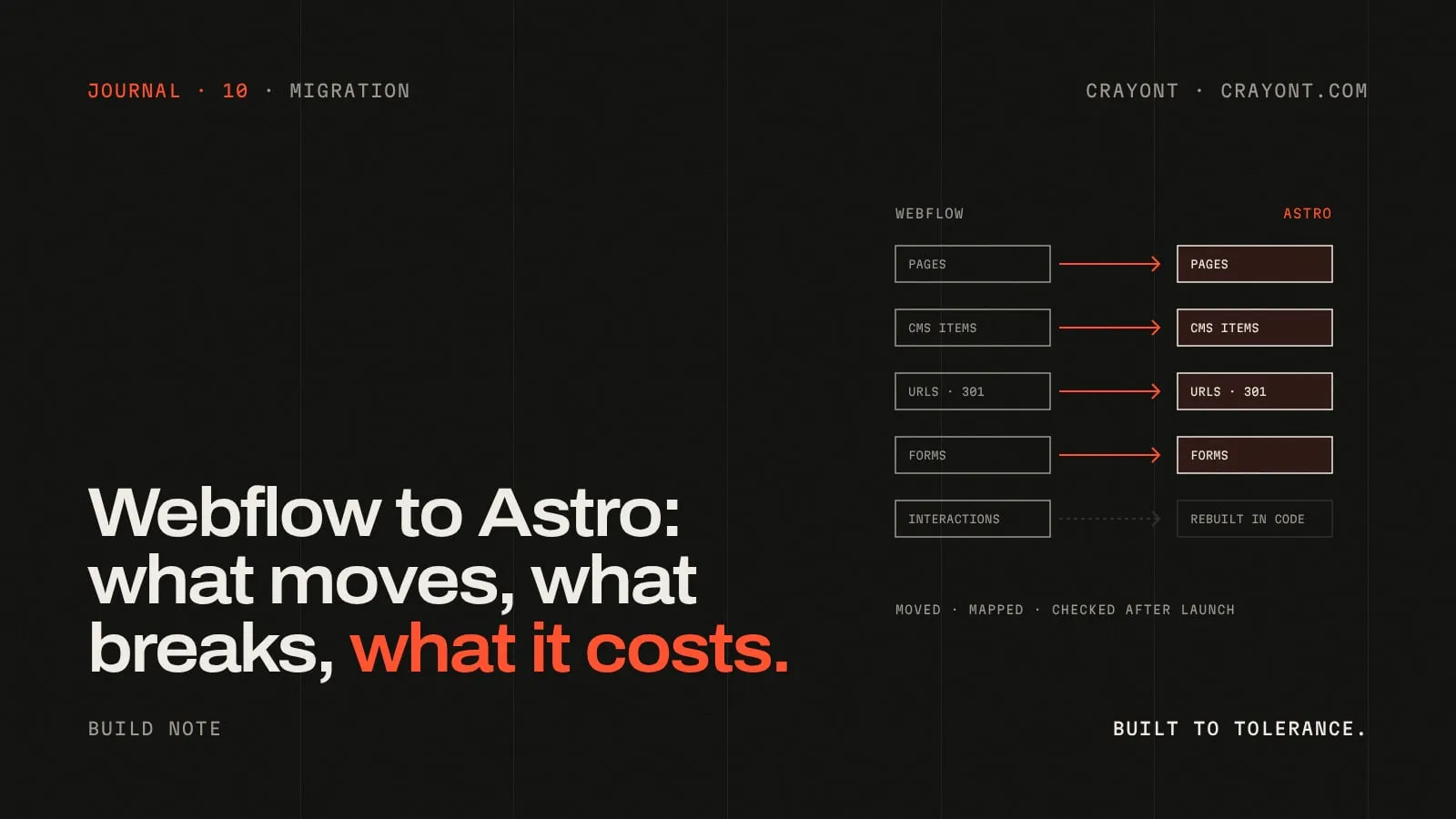
- Pages, CMS content, metadata and assets move cleanly. Interactions, forms, Ecommerce, member areas and visual editing have to be rebuilt or replaced.
- Rankings survive when every old URL gets a 301 to its new home, metadata and structured data are carried over, and Search Console is watched after launch.
- If your marketing team lives in the Webflow Designer and the site is already fast, staying put is often the right call.
A Webflow to Astro migration moves your site from a hosted visual builder to code you own. Your pages, content and metadata come across cleanly. Interactions, forms and anything built on Webflow’s own features have to be rebuilt. Done carefully, your rankings come through intact.
Here’s what that looks like in practice, and when it isn’t worth doing.
Why teams move
- Speed. Webflow sites are already reasonably fast. Astro ships plain HTML and only the JavaScript a page actually needs, so it’s easier to get well inside the Core Web Vitals thresholds, especially on mid-range phones.
- Ownership. With Astro, the code lives in your repository and deploys to the host of your choice. No platform can change the rules on you.
- No per-site plan. Webflow bills hosting per site. A static Astro site can run on a CDN for very little, sometimes nothing.
- Custom features. Calculators, gated tools, complex filtering, app logins, API integrations. Anything that fights the builder in Webflow is ordinary code in Astro.
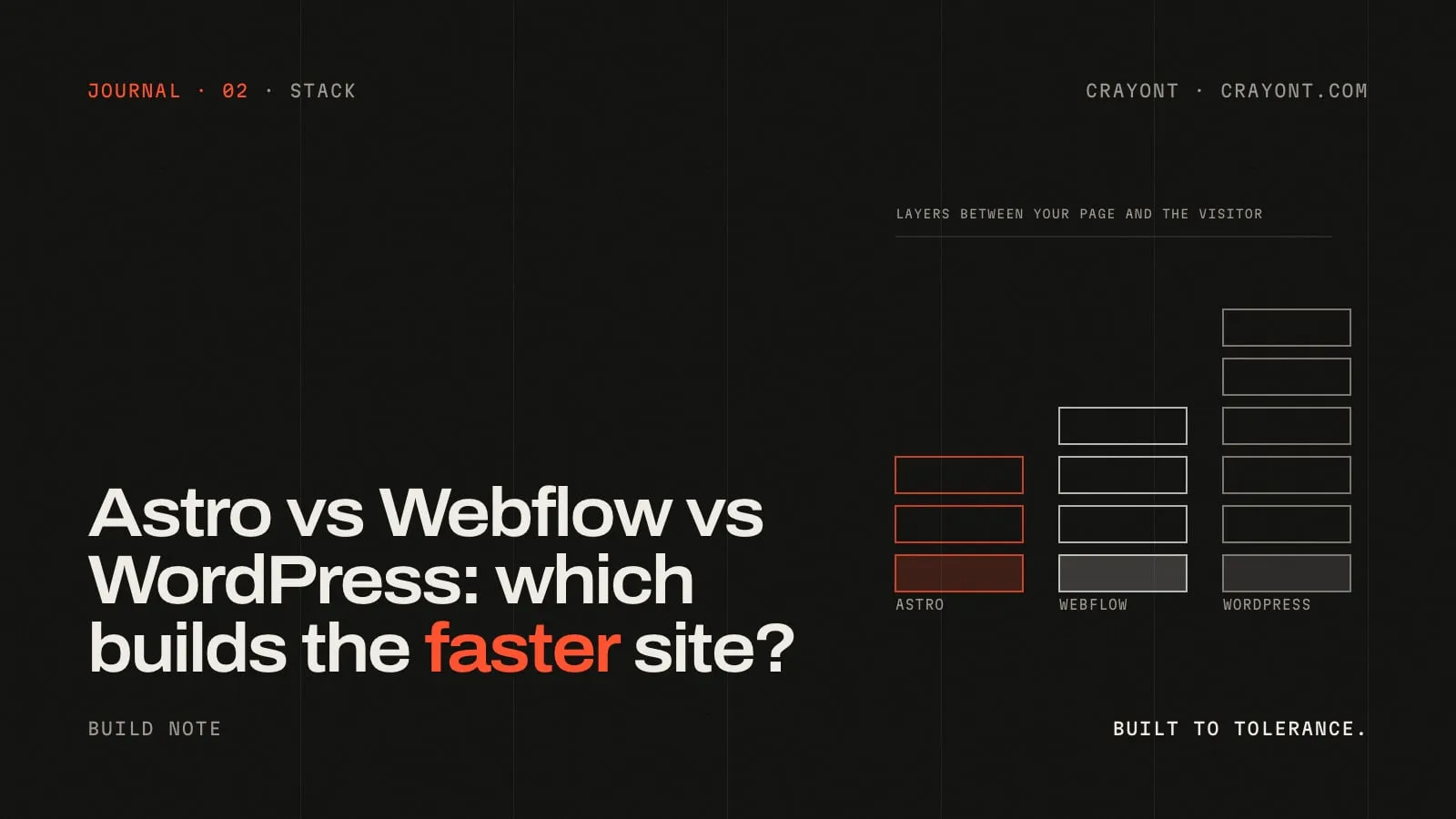
For a longer side-by-side, see Astro vs Webflow vs WordPress.
What moves cleanly
Pages and layout
Static pages are rebuilt as Astro components. The design carries over exactly, and this is a good moment to tidy the class soup that builds up in older Webflow projects.
CMS collections
Webflow lets you export collection items as CSV, and its API gives full access to your content. Each collection becomes either Markdown files in the repo (fine for a blog that changes monthly) or a collection in a headless CMS (better if editors publish weekly). Fields map one to one; rich text needs a conversion pass and a check.
Metadata
Titles, meta descriptions, Open Graph images, canonical tags and alt text all come across. We pull them per page and per CMS item so nothing is retyped from memory.
Assets
Images, PDFs and fonts are downloaded and re-served from your own build, usually as modern formats at the right sizes. Check your font licences while you’re at it.
What breaks or needs rebuilding
Interactions
Webflow interactions don’t port. Each animation is rebuilt in code, usually with CSS or a small animation library. That’s often a quiet win: you keep the motion that matters and drop the rest.
Forms
Webflow forms submit to Webflow. On Astro you need your own handler: a serverless function, a form service or a direct connection to your CRM. Spam protection and notification emails come with it.
Ecommerce
Webflow Ecommerce doesn’t come with you. Products move to a commerce platform (often used headlessly behind the Astro front end), or the store stays on a dedicated platform and the marketing site moves alone.
Members and logins
Any gated content or user accounts built on Webflow’s features need an auth provider and real access rules in code. Scope this carefully; it’s the part that’s most like building an app.
The Designer
This is the real trade-off. In Webflow, a marketer can build a new landing page visually. On Astro, editors fill in content through the CMS, but new layouts are built by a developer. A good set of reusable sections covers most needs; it doesn’t cover all of them.
How to keep your rankings
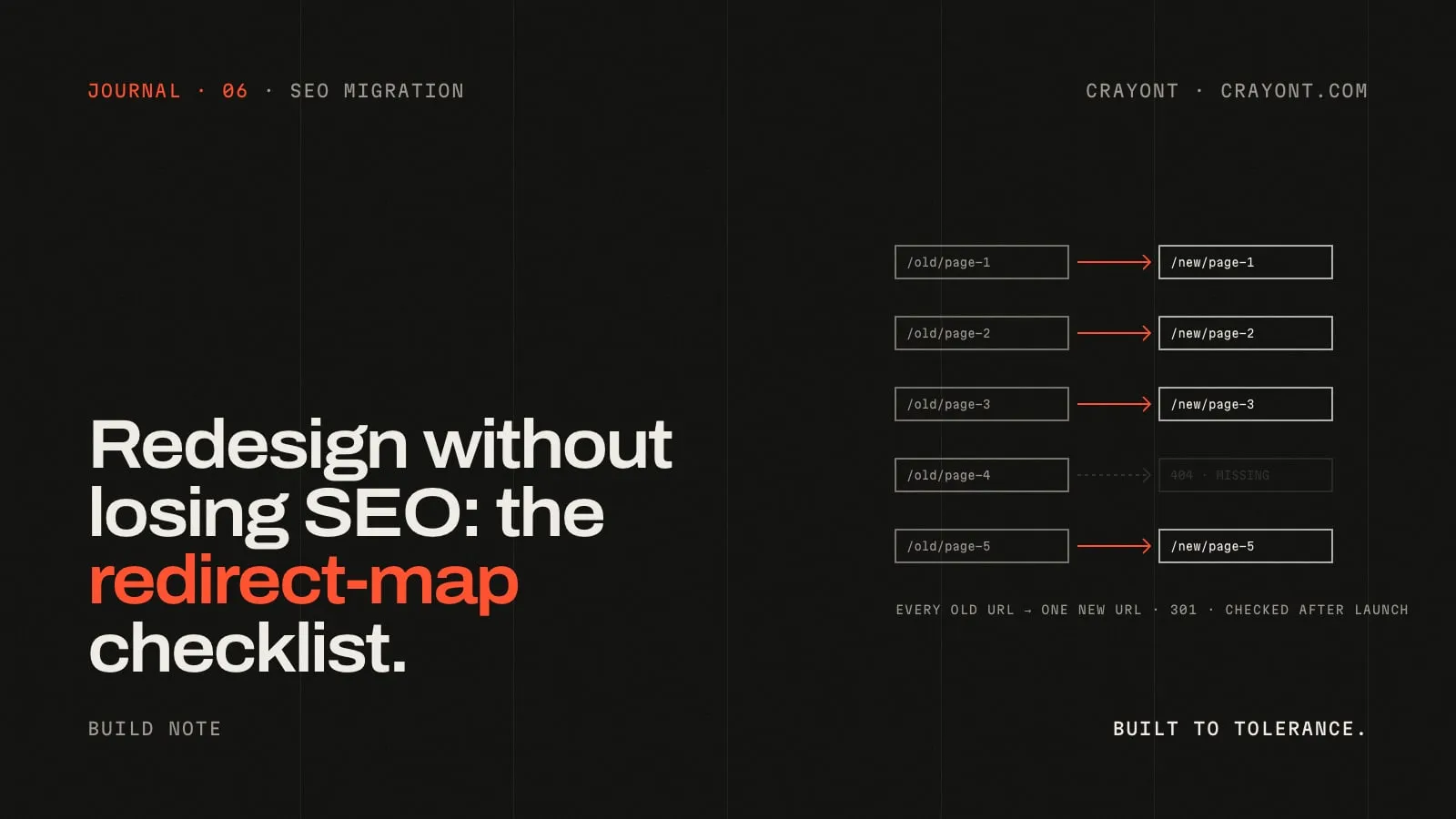
This is where migrations succeed or fail. The process is the same as any redesign, covered in detail in our redirect-map checklist:
- Inventory every URL. Crawl the live site, pull the sitemap and export pages with clicks or impressions from Search Console. Webflow CMS URLs follow a collection path, so check each one.
- Keep URLs where you can. Astro can reproduce almost any URL structure. The best redirect is the one you don’t need.
- Map the rest with 301s. One old URL to its closest new page. No chains, nothing pointed at the homepage.
- Carry over metadata and structured data. Same titles, descriptions, canonicals and schema, then improve them deliberately rather than by accident.
- Test before DNS moves. Run every old URL against staging and check each one lands on a page that answers 200.
- Watch Search Console. Submit the new sitemap and check the indexing report for 404s weekly for the first month.
When to stay on Webflow
Honestly, quite often. Stay if:
- Your marketing team builds pages in the Designer every week and that speed matters more than a few hundred milliseconds.
- The site already passes Core Web Vitals and doesn’t need features Webflow can’t do.
- Nobody on your side wants to own a code repository or a CMS setup.
- Your store or member area runs well on Webflow and moving it would be a project in itself.
Migrating a site that works, for its own sake, is a cost with no return.
What it costs
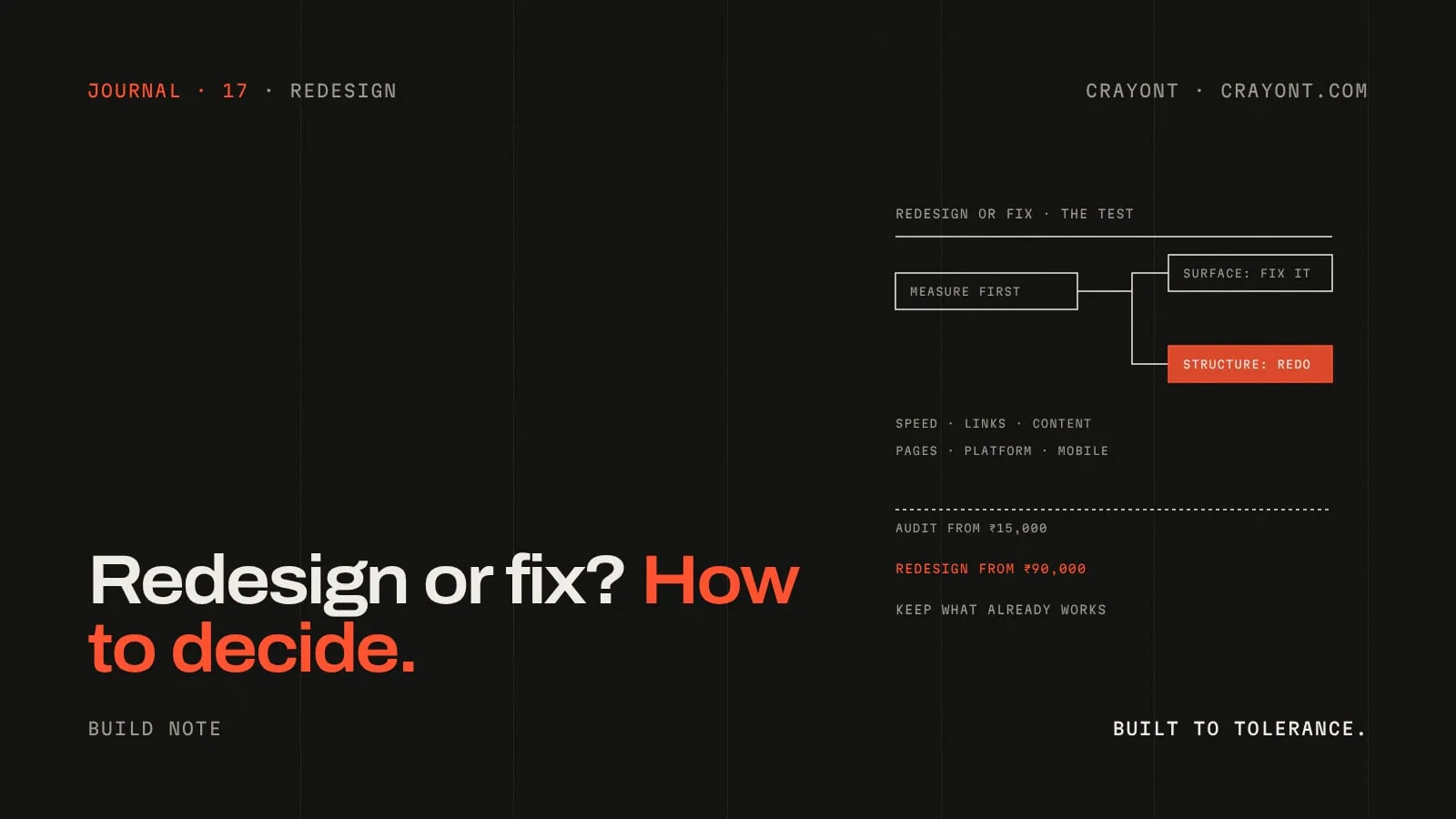
We price Webflow to Astro migrations like redesigns, because the work is the same shape: rebuild the templates, move the content, protect the rankings. They start from ₹90,000, fixed after a written spec that lists every template, collection, interaction and integration.
The full approach is on our Webflow to Astro migration page. If you’re weighing the move, send us the URL and we’ll tell you honestly whether it’s worth it.
Questions people ask
- Will I lose my Google rankings moving from Webflow to Astro?
- Not if the migration is planned. Keep the URLs where you can, redirect the rest one-to-one with 301s, carry over titles, descriptions and structured data, and watch Search Console for a few weeks after launch. Drops come from skipped redirects, not from the platform.
- Can my team still edit the site after moving to Astro?
- Yes, through a headless CMS connected to the Astro site. Editors get forms for text, images and collection items. What they lose is the Webflow Designer's drag-and-drop layout editing, so new layouts become a developer task.
- How long does a Webflow to Astro migration take?
- It depends on the number of templates, CMS collections and interactions. A small marketing site moves faster than a site with a large CMS and custom animations. The timeline is written into the spec before work starts.
Keep reading
All notes →- Astro vs Webflow vs WordPress in 2026: which one builds the faster website?An honest comparison of Astro, Webflow and WordPress for business websites: speed, editing, ownership, SEO and cost, and when we would pick each one.
- Website redesign without losing SEO: the redirect-map checklistMost ranking drops after a redesign come from URLs that changed without a redirect. The redirect map I build before launch, how to test it, what to watch.
- Redesign or fix? How to tell if your website needs a redesign, and what one costsNot every tired website needs a redesign. A simple test for redesign vs fix, the signs that mean start again, what a redesign costs and how to do one without losing rankings.