Astro vs Webflow vs WordPress in 2026: which one builds the faster website?
An honest comparison of Astro, Webflow and WordPress for business websites: speed, editing, ownership, SEO and cost, and the cases where a design-engineering studio would pick each one.
TL;DR · Key takeaways
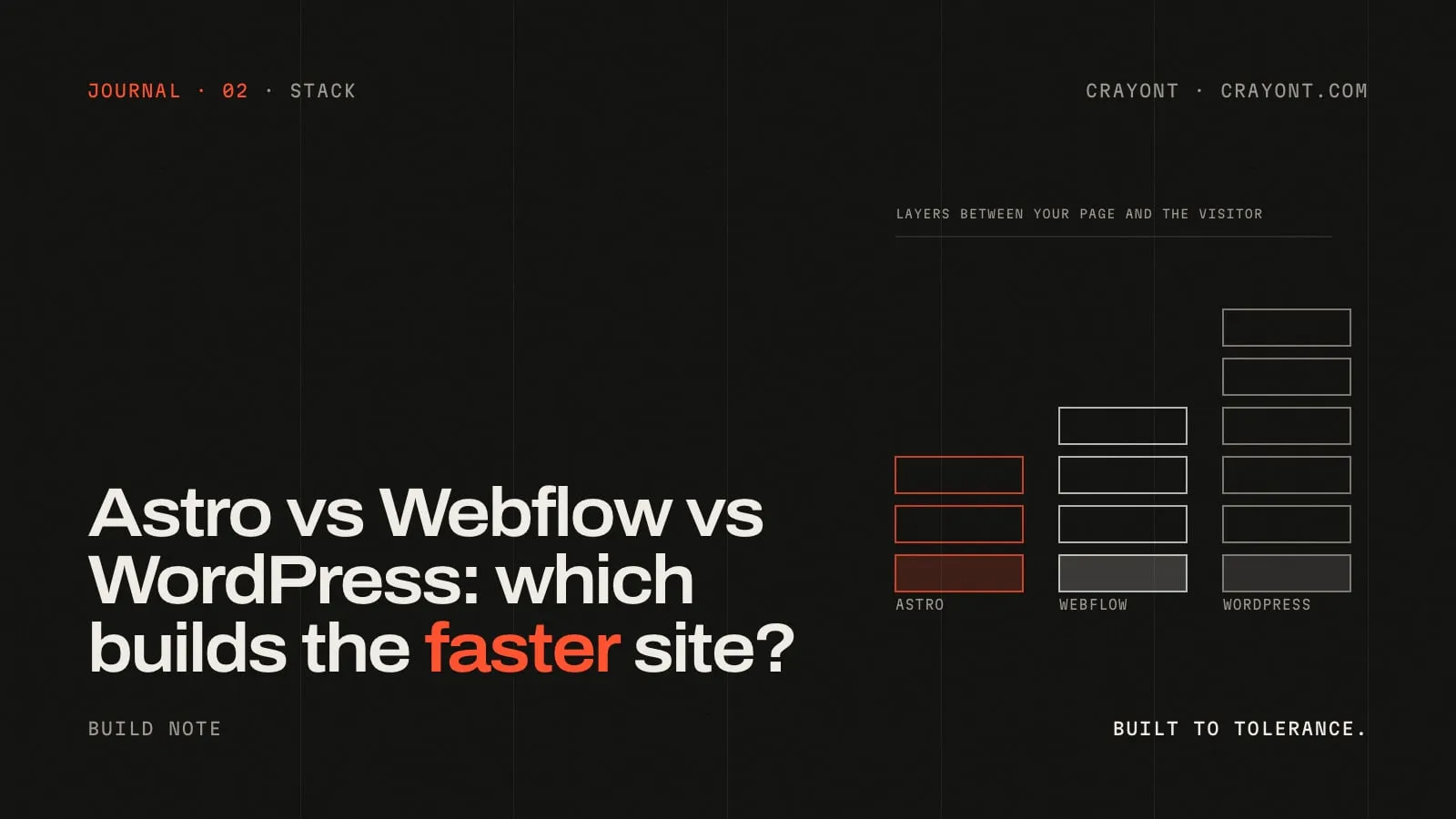
- Speed is decided by how much runs between your content and the visitor. Astro ships static HTML with almost no JavaScript; Webflow ships clean static pages from a visual editor; WordPress ships whatever its theme and plugins add, which is usually a lot.
- Pick by who edits the site. A marketing team that edits daily needs Webflow or a headless CMS; a site that changes monthly is happiest as Astro with a simple CMS; a publication with editors and workflows may still be right on WordPress.
- Ownership differs. Astro and WordPress give you the code and let you host anywhere. Webflow hosts the site for you; you can export the HTML, but not the CMS.
- There is no wrong platform, only a wrong match. Our default is Astro; we still recommend Webflow for some clients.
“Which platform should my website be on?” is the question we get most often, and the honest answer is that it depends on three things: how fast the site needs to be, who will edit it, and what you want to own. Here is how Astro, Webflow and WordPress compare on each, from a studio that has shipped on all three.
What each one actually is
WordPress is a content management system that builds pages on a server every time someone visits (unless it’s cached). It runs about 40% of the web, has a plugin for everything, and its speed depends entirely on the theme, the plugins and the hosting you put it on.
Webflow is a visual website builder with a built-in CMS and hosting. Designers build pages in a browser-based editor; Webflow publishes them as static HTML on a content delivery network.
Astro is a web framework. Developers write components; Astro builds them into static HTML pages (or server-rendered ones where needed) and, by default, ships zero JavaScript to the browser unless a component asks for it. Content can come from Markdown files, a headless CMS or any API. This site is built on it.
Speed
Speed is mostly a question of how much sits between your content and the visitor’s screen.
- Astro produces plain HTML with only the JavaScript you choose to include. It’s the easiest of the three to get under two seconds on a phone, and it stays fast because there’s nothing to bloat.
- Webflow is fast by default: static pages, a CDN, images resized automatically. The ceiling is lower than Astro’s because you can’t control the underlying code fully, but for a marketing site the difference rarely matters.
- WordPress can be fast with a lean theme, few plugins, good caching and decent hosting. In practice, most WordPress sites accumulate plugins and get slow. It takes ongoing effort to keep one quick.
Google measures speed through Core Web Vitals, and the thresholds are public: Largest Contentful Paint under 2.5 seconds, Interaction to Next Paint under 200 milliseconds, Cumulative Layout Shift under 0.1. Any of the three can pass. Astro makes passing the default; the other two make it a task.
Editing
This is where the honest answer often flips.
- Webflow wins for marketing teams that change pages weekly, want to move sections around and launch landing pages without a developer. The editor is genuinely good.
- Astro pairs with a headless CMS (or plain Markdown) for content editing. Editing text and images is simple; restructuring a page needs a developer. That’s fine when the site changes monthly, frustrating when it changes daily.
- WordPress has the most familiar editor and the largest pool of people who know it. For publications with several editors, drafts and approvals, it still does the job well.
Ownership and cost
- Astro: you own the code and can host it anywhere. Hosting is often free or a few hundred rupees a month on Vercel, Netlify or Cloudflare. There’s no licence.
- WordPress: you own the code and can host anywhere. Good managed hosting costs more than static hosting, and premium themes and plugins are recurring.
- Webflow: the site lives on Webflow’s hosting, billed per site per month. You can export the static HTML, but the CMS and the editor don’t come with you. That’s a fair trade for the editor, as long as you go in knowing it.
SEO
All three can rank. What matters is real text in the HTML, fast pages, correct titles and descriptions, structured data, working redirects and internal links. Astro and Webflow give you this out of the box. WordPress needs a plugin for some of it and care to keep page weight down. A bigger risk than the platform is the migration: a redesign that changes URLs without redirects loses rankings on any platform. Our redirect-map checklist is how we avoid that.
When we recommend each
- Astro when speed and ownership matter most: company sites, product launches, sites with 3D or heavy motion, and anything where we’re also building a web app alongside. It’s our default for website builds and redesigns.
- Webflow when a marketing team wants full visual control and publishes often, and the site doesn’t need custom application logic. We’ll build the design system in Webflow so the team can extend it without us.
- WordPress when a client already runs an editorial team on it, relies on specific plugins, or needs a large content site with many contributors. We’d rather tune a WordPress site well than move a team off a tool that works for them.
The short version
If you want the fastest site you can own outright, Astro. If your marketing team needs to edit everything themselves, Webflow. If you’re a publication with editors and workflows, WordPress, kept lean. The platform is rarely the reason a site is slow or ranks badly; the build is. Ask any agency you talk to, including us, for the numbers of their last three launches before you ask which platform they’ll use.
Not sure which fits your project? Send us the brief and we’ll tell you, including when the answer is “not us”.
FAQ · Questions people ask
- Is Astro good for SEO?
- Yes. Astro renders full HTML on the server or at build time, so search engines and AI assistants read real text, and it makes fast pages easy, which Google measures. Titles, descriptions, structured data and sitemaps are all under your control.
- Is Webflow faster than WordPress?
- Usually, yes. Webflow publishes static pages on a global CDN and adds little of its own JavaScript. A WordPress site can be made fast, but it takes discipline with themes, plugins and hosting, and most WordPress sites in the wild are not.
- Can I move from WordPress to Astro without losing rankings?
- Yes, if the migration is planned: every old URL redirected to its new one, metadata carried over, structured data kept, and Search Console watched after launch. Rankings drop when this is skipped, not because of the platform.