Website redesign without losing SEO: the redirect-map checklist
Most ranking drops after a redesign come from URLs that changed without a redirect. Here is the redirect map I build before launch, how to test it and what to watch in the weeks after.
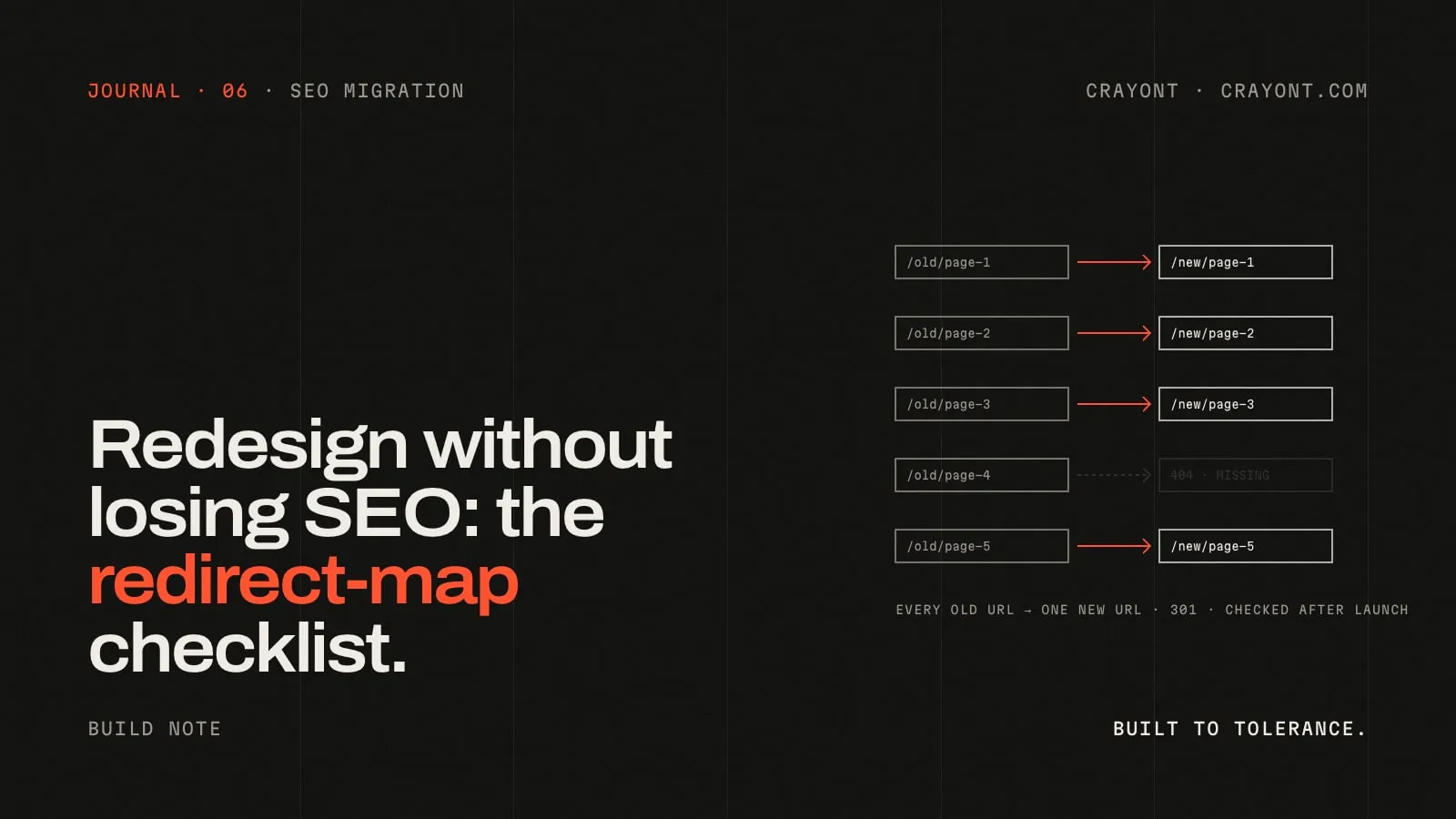
TL;DR · Key takeaways
- Build the redirect map before launch, from three sources: a full crawl, Search Console and your backlinks.
- Map every old URL one-to-one to its closest new equivalent with a 301. Never send everything to the homepage, and never chain redirects.
- Test the map with a script before and after launch: every old URL should answer 301 and land on a page that answers 200.
- Keep the redirects for at least a year, and watch Search Console for new 404s in the first weeks.
A redesign should not cost you your search traffic. When rankings drop after a launch, the cause is usually not the new design. It is old URLs that stopped working: pages that moved without a redirect, content that was removed, and links from other sites that now land on a 404.
The fix is not clever. It is a redirect map, built before launch and tested like code.
1. List every URL the old site has
Start with a full crawl of the current site. A crawler such as Screaming Frog, or your CMS’s own export, will give you every page the site links to. Add what a crawler can miss:
- URLs in the XML sitemap
- PDFs and other files that people link to or search for
- Old campaign pages that are no longer linked from the menu
- Pagination and filter URLs, if they are indexed
2. Find the URLs that matter
Not every URL carries the same weight. Pull three lists and merge them:
- Search Console: pages with clicks or impressions over the last 12 to 16 months.
- Analytics: your top landing pages over the same period.
- Backlinks: pages that other sites link to. Search Console’s Links report is a free place to start.
Any URL on these lists needs a close match on the new site. If a page brings traffic and has no equivalent in the new design, that is a content decision to make now, not after launch.
3. Map old to new, one to one
Put the map in a spreadsheet with two columns, old path and new path:
| Old URL | New URL | Status |
|---|---|---|
/services/web-design.html |
/services/website-redesign/ |
301 |
/blog/2021/redesign-tips |
/journal/redesign-tips/ |
301 |
/team/ |
/studio/ |
301 |
Rules that keep the map clean:
- Closest equivalent, not the homepage. Sending everything to
/is treated much like a 404. - Permanent redirects (301 or 308) for pages that have moved for good.
- No chains. If A moved to B and B now moves to C, point A straight at C.
- One URL style. Pick trailing slash or no trailing slash, lowercase, and apply it everywhere.
4. Keep what ranks
A redirect passes a page’s history on, but only if the new page still answers the same question. For pages that earn traffic, keep the core content, the topic of the title and the main heading. Rewrite and improve, but don’t remove the part people were searching for.
5. Implement at the server or edge
Redirects belong in the hosting layer, not in JavaScript. On Vercel that is the redirects list in vercel.json. In Astro you can also declare them in the redirects option of the config:
// astro.config.mjs
export default defineConfig({
  redirects: {
    "/team/": "/studio/",
    "/services/web-design.html": "/services/website-redesign/",
  },
});
6. Test the map like code
Before launch, run every old URL from the spreadsheet against the staging site with a small script. For each one, check three things: the first response is a 301 or 308, it points to the new URL in your map, and that new URL answers 200. Run the same script again on launch day against the live domain.
7. Launch day
- Update internal links to point at the new URLs directly, not through redirects.
- Publish the new XML sitemap and submit it in Search Console.
- Check that canonical tags point to the new URLs.
- If the domain changes too, use Search Console’s Change of Address tool.
8. The weeks after
Rankings can move for a few weeks while search engines recrawl. Watch Search Console’s page indexing report for new “Not found (404)” entries and add redirects for any that matter. Google’s own guidance for site moves is to keep redirects in place for at least a year; in practice, there is rarely a reason to remove them.
The checklist
- Full crawl, sitemap and file URLs collected
- Search Console, analytics and backlink URLs merged
- Every important URL mapped one-to-one, with no chains
- Ranking content kept on the new pages
- Redirects set at the server or edge
- Map tested on staging and again on launch day
- Sitemap submitted, internal links and canonicals updated
- 404 report checked weekly for the first month
This is the migration step in every website redesign I take on. If you are planning one and want a second pair of eyes on the map, send the spec.